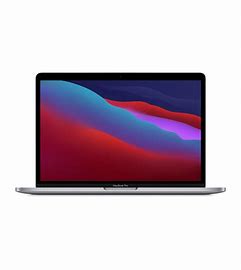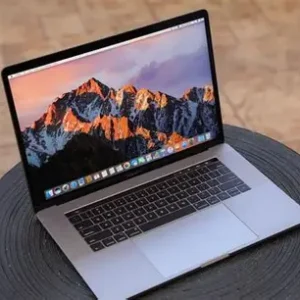
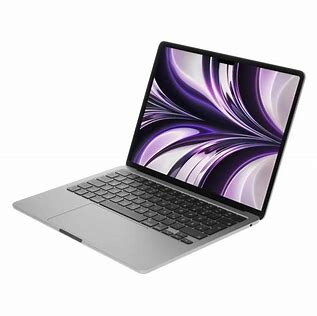
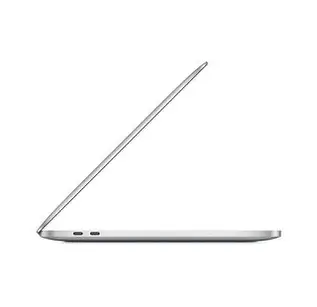
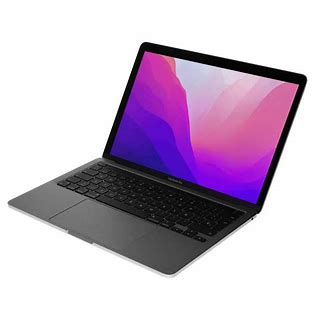
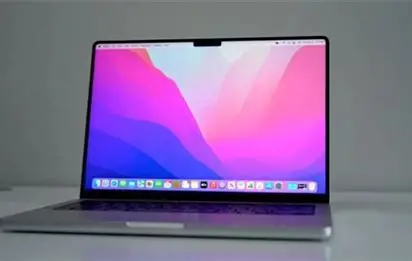
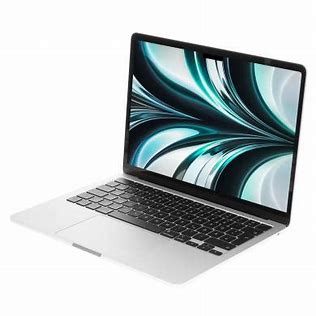

100% Original Wholesale 2022 13″ M2 8-core RAM 8GB SSD 256GB RAM16GB SSD 512GB RAM 16GB SSD 1TB mackbook
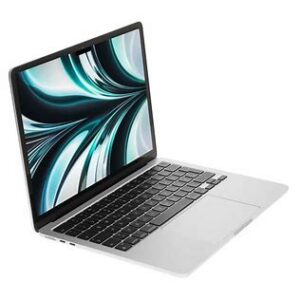
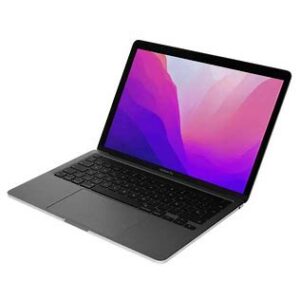
Here’s a detailed comparison table for the 2022 13″ MacBook Pro M2 configurations (8GB/16GB RAM with 256GB/512GB/1TB SSD):
| Specification | M2 8GB/256GB | M2 16GB/512GB | M2 16GB/1TB | Key Differences |
|---|---|---|---|---|
| Processor | Apple M2 (8-core CPU) | Apple M2 (8-core CPU) | Apple M2 (8-core CPU) | Same CPU performance |
| GPU Cores | 10-core GPU | 10-core GPU | 10-core GPU | All models have full GPU cores |
| Unified Memory | 8GB | 16GB | 16GB | 16GB better for pro workflows |
| Storage | 256GB SSD | 512GB SSD | 1TB SSD | Higher capacity = faster speeds |
| SSD Speed | ~1,500 MB/s (slower than M1) | ~3,000 MB/s | ~3,000 MB/s+ | 256GB has slower NAND chips |
| Battery Life | Up to 20 hours video | Up to 20 hours video | Up to 20 hours video | Same efficiency |
| Ports | 2x Thunderbolt/USB 4 | 2x Thunderbolt/USB 4 | 2x Thunderbolt/USB 4 | Identical connectivity |
| Display | 13.3″ Retina (2560×1600) | 13.3″ Retina (2560×1600) | 13.3″ Retina (2560×1600) | 500 nits, P3 wide color |
| Touch Bar | Yes | Yes | Yes | Last model with Touch Bar |
| Weight | 3.0 lbs (1.4 kg) | 3.0 lbs (1.4 kg) | 3.0 lbs (1.4 kg) | Same chassis |
| Original Price | $1,299 | $1,699 (+$400) | $2,099 (+$800) | 1TB was premium option |
| Best For | Casual use | Creative professionals | High-end video/photo work | Storage needs determine choice |
1. Base Model (8GB RAM/256GB SSD)
The entry-level M2 MacBook Pro 13″ delivers a notable performance bump over its M1 predecessor, featuring:
-
Next-gen M2 chip with 8-core CPU (18% faster than M1)
-
10-core GPU (35% faster graphics)
-
20-hour battery life (industry-leading efficiency)
-
Active cooling fan (unlike fanless M2 MacBook Air)
Performance Notes:
-
Handles everyday tasks effortlessly (web, office apps, media)
-
Surprisingly capable for light photo/video editing
-
SSD speed limitation (~1,500 MB/s due to single NAND chip)
-
8GB RAM may struggle with heavy multitasking
Best for: Students and casual users who value the Touch Bar and active cooling system.
2. 16GB RAM/512GB SSD (Sweet Spot)
The upgraded configuration solves the base model’s limitations with:
-
Double the RAM (16GB) for demanding workflows
-
Faster 512GB SSD (~3,000 MB/s via dual NAND chips)
-
Professional-grade performance for:
-
4K video editing in Final Cut Pro
-
Music production in Logic Pro
-
Software development with multiple IDEs
-
Key Advantages:
-
Eliminates SSD throttling issues
-
Handles 50MP+ photo libraries smoothly
-
Future-proof for macOS updates
-
Perfect balance of price and performance
3. 16GB RAM/1TB SSD (Pro Configuration)
The premium model delivers uncompromising performance:
-
Blazing-fast 1TB storage (~3,500 MB/s)
-
Ample space for 4K/8K video projects
-
Ideal for:
-
Feature-length film editing
-
Large-scale music productions
-
Virtual machine workflows
-
AAA game development (via crossover)
-
Professional Benefits:
-
2x SSD speed of base model
-
No external drive needed for most projects
-
Best thermal performance under sustained loads
Key Decision Factors
Choose 8GB/256GB if:
-
You primarily browse/web/stream
-
Need the most affordable Pro model
-
Don’t work with large media files
Upgrade to 16GB/512GB for:
-
Professional creative work
-
Heavy multitasking
-
Better long-term value
Select 16GB/1TB when:
-
Working with 8K video
-
Managing massive photo libraries
-
Needing fastest possible storage
All models feature:
-
Liquid Retina display (500 nits, P3 wide color)
-
1080p FaceTime HD camera
-
Studio-quality mics
-
Last MacBook with Touch Bar