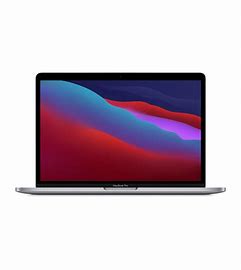
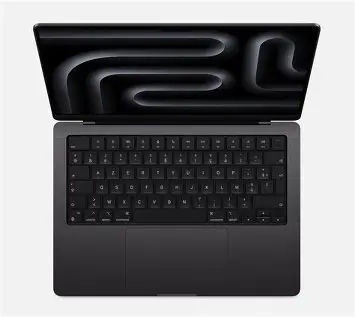


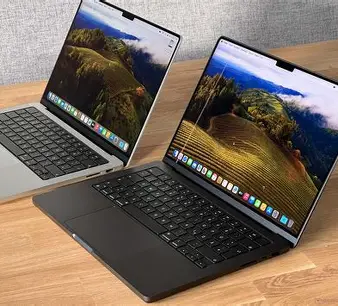
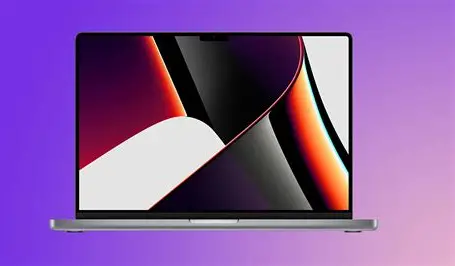
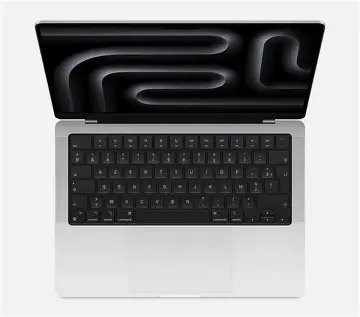

ORIGINAL 2024 14″ M3 Pro 11-core 18GB 512GB M3 Max 14-core36GB 1TB Original Authentic
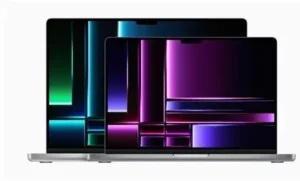
Here’s a comparison table for the 2024 14″ MacBook Pro with M3 Pro (11-core, 18GB, 512GB) vs. M3 Max (14-core, 36GB, 1TB) configurations:
| Specification | M3 Pro (Base Model) | M3 Max (Upgraded Model) |
|---|---|---|
| Chip | M3 Pro (11-core CPU) | M3 Max (14-core CPU) |
| GPU Cores | 14-core GPU | 30-core GPU (or 16-core in some base Max configs) |
| Memory (RAM) | 18GB Unified Memory | 36GB Unified Memory |
| Storage (SSD) | 512GB | 1TB |
| Neural Engine | 16-core | 16-core |
| Display | 14.2″ Liquid Retina XDR (3024×1964) | Same |
| Refresh Rate | ProMotion (up to 120Hz) | Same |
| Ports | 3x Thunderbolt 4 (USB-C), HDMI, SDXC, MagSafe | Same (but M3 Max may support more external displays) |
| Battery Life | Up to 18 hours (video playback) | Slightly less due to higher power draw (~15-16 hours) |
| Performance Use Case | Pro-level tasks (coding, photo editing) | Extreme workloads (3D rendering, 8K video editing) |
| Price (Approx.) | ~$1,599+ | ~$3,199+ (varies with exact config) |
1. M3 Pro (11-core, 18GB RAM, 512GB SSD) – Balanced Power & Efficiency
The 14″ MacBook Pro with M3 Pro is designed for professionals who need strong performance without overkill. It features:
-
11-core CPU (6P + 5E) & 14-core GPU – Handles demanding tasks like coding, photo/video editing, and multitasking smoothly.
-
18GB unified memory – Ideal for moderate workloads, including light machine learning and large project files.
-
512GB SSD – Fast storage, though power users may want to upgrade.
-
Excellent battery life (~18 hours) – Optimized for efficiency.
-
Supports up to 2 external displays – Great for dual-monitor setups.
Best for: Developers, designers, content creators, and power users who want pro-level performance without paying for extreme specs.
2. M3 Max (14-core, 36GB RAM, 1TB SSD) – Extreme Performance for Heavy Workloads
The 14″ MacBook Pro with M3 Max is a powerhouse for professionals pushing the limits:
-
14-core CPU (10P + 4E) & 30-core GPU – Crushes 3D rendering, 8K video editing, and AI workloads.
-
36GB unified memory – Essential for massive projects, virtual machines, and high-end creative apps.
-
1TB SSD (faster speeds at higher capacities) – More room for large files and smoother performance.
-
Supports up to 4 external displays – Perfect for advanced multi-monitor workflows.
-
Slightly reduced battery life (~15-16 hours) – Due to higher power demands.
Best for: Video editors, 3D artists, engineers, and professionals who need maximum performance in a portable form.
Which One Should You Choose?
-
M3 Pro → Best for most professionals who want great performance without overspending.
-
M3 Max → Only necessary if you work with extreme workloads (8K video, heavy 3D, etc.).