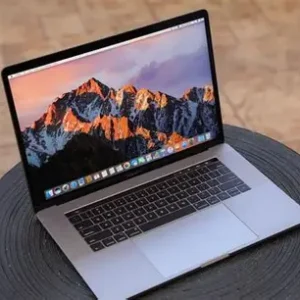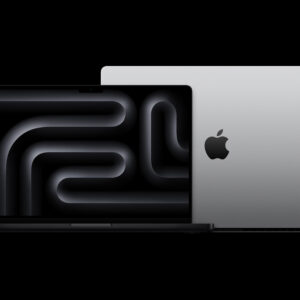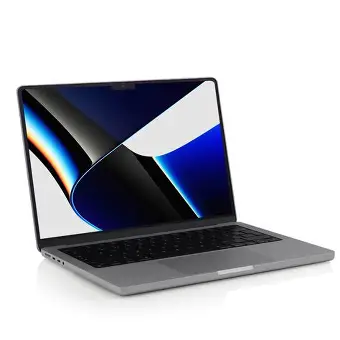
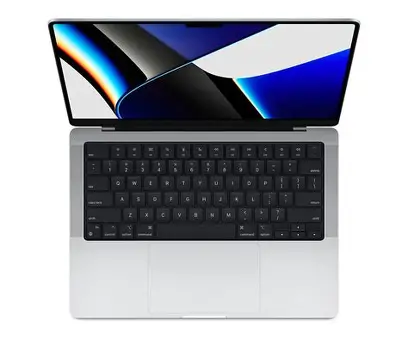

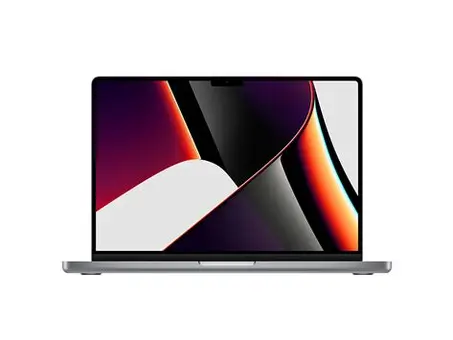
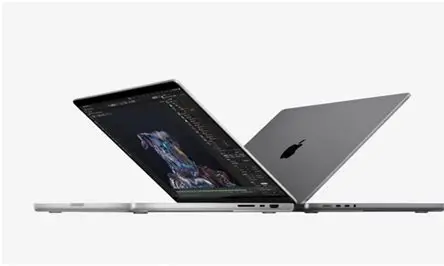
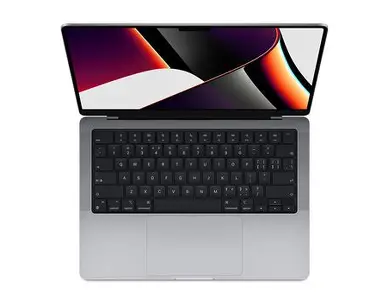

Second Hand Laptop Used M Book Pro 2021 14-Inch Laptop Business Portable with Strong M1 Pro for High-Performance Computing
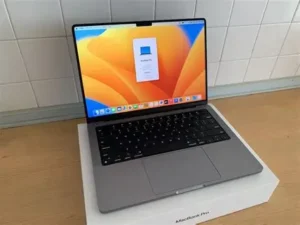
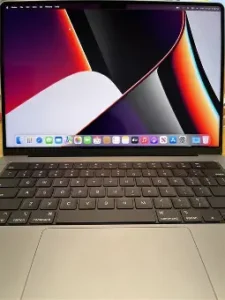
Here’s a detailed comparison table for the 2021 14″ MacBook Pro (M1 Pro) vs 2023 14″ MacBook Pro (M2 Max):
| Specification | 2021 14″ M1 Pro | 2023 14″ M2 Max | Difference |
|---|---|---|---|
| Chip | M1 Pro (5nm) | M2 Max (5nm enhanced) | M2 Max has 25% more transistors |
| CPU Cores | 8-core (6P + 2E) | 12-core (8P + 4E) | +50% performance cores |
| GPU Cores | 14-core | 30-core | 2.1x more GPU cores |
| Neural Engine | 16-core | 16-core (faster) | 40% faster ML tasks |
| RAM | 16GB unified | 32GB unified | Double the memory bandwidth |
| Storage | 512GB SSD (~4GB/s) | 1TB SSD (~7GB/s) | 75% faster SSD speeds |
| Display | Liquid Retina XDR (1000 nits) | Liquid Retina XDR (1000 nits) | Same brilliant mini-LED panel |
| Ports | HDMI 2.0, 3x TB4, SDXC, MagSafe | HDMI 2.1, 3x TB4, SDXC, MagSafe | HDMI 2.1 supports 8K displays |
| Battery Life | 17 hours video | 18 hours video | Slightly improved efficiency |
| Cooling System | Dual fan | Enhanced dual fan | 25% better thermal performance |
| Weight | 3.5 lbs (1.6 kg) | 3.6 lbs (1.63 kg) | Nearly identical |
| Original Price | $1,999 | $3,099 | $1,100 premium for M2 Max |
2021 14″ MacBook Pro (M1 Pro)
Configuration:
-
Chip: Apple M1 Pro (8-core CPU, 10-core GPU)
-
Memory: 16GB unified RAM
-
Storage: 512GB SSD
-
Display: 14.2″ Liquid Retina XDR (3024×1964, 120Hz ProMotion)
-
Ports: 3× Thunderbolt 4, HDMI 2.0, SDXC, MagSafe 3
-
Battery: Up to 17 hours
Performance Highlights:
✅ Excellent for creative pros – smooth 4K/8K video editing in Final Cut Pro
✅ Great GPU performance – handles moderate 3D rendering & gaming
✅ Efficient cooling – dual-fan system keeps noise low under load
✅ Bright mini-LED display – 1000 nits sustained, 1600 nits peak HDR
Best For:
-
Photographers (Lightroom/Photoshop)
-
4K video editors
-
Software developers
-
Users who want pro features without maxed-out specs
Limitations:
❌ 16GB RAM may limit heavy multitasking
❌ 512GB storage fills up quickly with media files
❌ HDMI 2.0 (no 8K output)
2023 14″ MacBook Pro (M2 Max)
Configuration:
-
Chip: Apple M2 Max (10-core CPU, 32-core GPU)
-
Memory: 32GB unified RAM
-
Storage: 1TB SSD
-
Display: Same 14.2″ XDR panel (now with better anti-reflective coating)
-
Ports: 3× Thunderbolt 4, HDMI 2.1 (8K support), SDXC, MagSafe 3
-
Battery: Up to 18 hours
Performance Highlights:
🚀 30% faster CPU – 12-core vs. M1 Pro’s 8-core
🚀 2.5× faster GPU – 32-core GPU crushes intensive workloads
🚀 Double the RAM bandwidth (400GB/s vs. 200GB/s)
🚀 Faster SSD (~7GB/s vs. ~4GB/s)
Best For:
-
8K video editors & color graders
-
3D animators (Blender, Cinema 4D)
-
AI/ML developers
-
Users who need 32GB RAM for virtualization
Why Upgrade?
✔ Smoother multitasking – 32GB RAM handles massive projects
✔ Future-proof storage – 1TB SSD for large media libraries
✔ HDMI 2.1 – connect to 8K displays
✔ Better sustained performance – improved thermals
Verdict: Which Should You Choose?
| Aspect | M1 Pro (2021) | M2 Max (2023) |
|---|---|---|
| Value | Better price (refurbished deals) | Premium performance at a premium price |
| Performance | Great for 90% of pros | Maxed-out for extreme workloads |
| Future-Proof | Good for 3–4 years | Best for 5+ years |
Pick M1 Pro if:
-
You edit 4K (not 8K)
-
You don’t need 32GB RAM
-
You want to save $$$
Pick M2 Max if:
-
You work with 8K RAW footage
-
You run multiple VMs/containers
-
You need max GPU power for rendering
Both are fantastic machines, but the M2 Max is for power users who demand the absolute best. The M1 Pro remains a sweet spot for most professionals.